A New Hostname, a Hosted Desktop, and a Firewall That Said No
- hosted quickbooks firewall
- web connector certificate error
- fortiguard category rating new domain
- rightworks web connector
Quick answers
Why did the Web Connector fail with a certificate error on a hosted desktop? The hosted machine could not validate our Let's Encrypt chain, so TLS failed before any qbXML moved — we moved the endpoint behind CloudFront with an ACM certificate and the error went away.
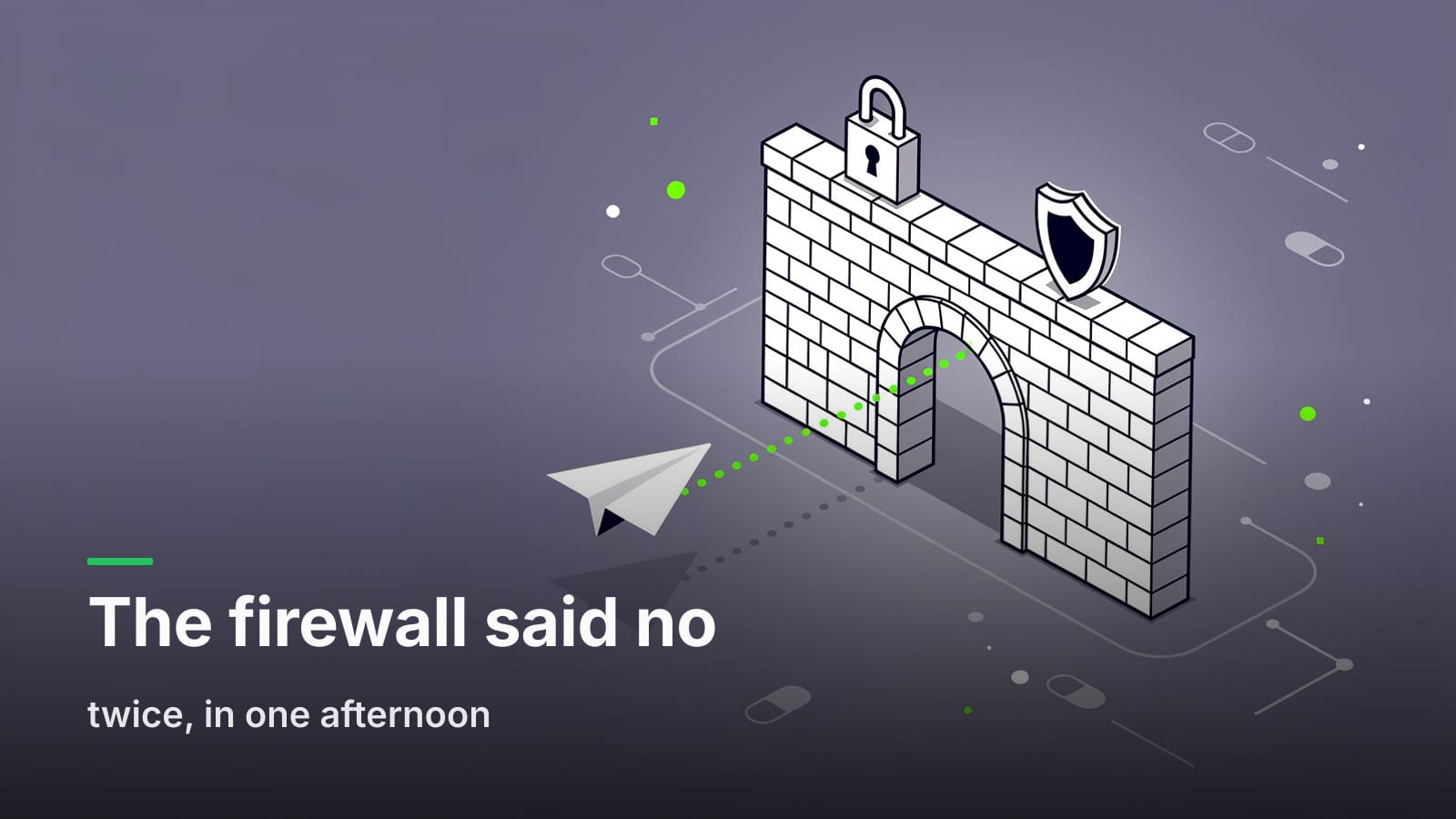
Why would a hosted QuickBooks firewall block a brand-new domain? FortiGate web filtering categorizes destinations, and a hostname created days ago has no category rating yet; unrated destinations get blocked under a default-deny policy.
What is a FortiGuard category rating for a new domain? It's the classification Fortinet assigns a domain so web-filter policies know whether to allow it; you can submit a domain for rating rather than waiting for it to be discovered.
Does the Web Connector need an inbound firewall hole? No. The Web Connector polls your endpoint outbound over HTTPS, so hosted desktops need egress to one hostname and nothing else.
Do I have to install anything on a Rightworks or hosted desktop? No — the Web Connector ships with QuickBooks, so the hosted path installs nothing new on the machine.
The cutover that failed twice in one afternoon
September 2026. First hosted customer cutover. The plan was boring on purpose: the customer's QuickBooks runs on a hosted desktop, the Web Connector that already ships with QuickBooks points at our gateway, and their existing QBO-shaped integration starts getting Desktop data back. Nothing to install. We'd tested the path on our own machines, on a local install, and on a VM that looked close enough to a hosted desktop.
It failed on the first poll. Then it failed again, differently, after we fixed the first thing.
Both failures were in the same five feet of network between the hosted desktop and the public internet, and neither of them had anything to do with qbXML, the company file, or our API. They were infrastructure assumptions we'd carried over from building for ordinary servers and ordinary browsers — assumptions that a managed, locked-down Windows desktop in somebody else's data center does not honor.
This is the write-up. If you're shipping anything that a hosted QuickBooks desktop has to reach, the two failure modes below will find you eventually.
Failure one: the certificate chain the desktop wouldn't trust
The first symptom was a Web Connector error complaining about the secure channel. No qbXML in the log, no HTTP status, nothing on our side showing a request arriving. The connection died in the TLS handshake.
Our gateway was serving a Let's Encrypt certificate. In a browser, on a current OS, on anything we'd tested, that chain validates without comment. On the hosted desktop, it did not. The machine couldn't build a path to a trusted root for that chain, so it refused the connection — exactly as it should, from its own point of view.
A few things make managed desktops different from your laptop here:
- Root store age and update policy. Windows normally fetches trusted roots on demand. A managed image with restricted update paths, or with outbound access to Microsoft's trust endpoints filtered, doesn't get that refresh. The root store it booted with is the root store it has.
- The client isn't a browser. The Web Connector is a .NET application using the OS trust store and the OS TLS stack. Browser-level chain-building leniency — fetching a missing intermediate, tolerating a cross-signed alternative path — isn't guaranteed to apply.
- You cannot fix the client. This is the part that matters for your design. On a hosted desktop, you are a guest. You do not get to install a root, change a GPO, or ask the provider to patch a trust store for one vendor. Whatever you do has to be done on your side of the wire.
So we did it on our side. The Web Connector endpoint moved behind CloudFront with a certificate from AWS Certificate Manager, on a dedicated hostname: qbwc.tenkeybridge.com. The ACM chain validated on the hosted desktop. The handshake completed. The error went away.
Worth being precise about scope: the edge only fronts the /qbqc-style Web Connector endpoint — specifically /qbwc. The rest of the API is unchanged and still served from the gateway at api.tenkeybridge.com. We weren't trying to put a CDN in front of an API; we were trying to put a widely-trusted certificate chain in front of one endpoint that a constrained client had to reach. CloudFront was the cheapest way to get an ACM cert terminated at a public edge with a chain that old trust stores accept.
The trade is real and worth naming. You've added a hop, another place latency and failures can come from, and another config surface to keep in sync. For a long-polling endpoint that exchanges a handful of requests per session, that's fine. For a chatty, latency-sensitive path, think harder.
Failure two: a hostname nobody had ever heard of
With the chain fixed, we pointed the Web Connector at the new hostname and got a different error. Not TLS — a block page, served by the provider's FortiGate.
qbwc.tenkeybridge.com was days old. Fortinet's web filtering works by category: every destination gets a FortiGuard category rating, and policies allow or deny by category. A hostname created last week has no rating. Under a policy that blocks uncategorized destinations — a completely reasonable policy for a hosting provider running thousands of customers' accounting files — "unrated" means "denied."
This is the failure mode that catches people, because it has nothing to do with whether your service is good, secure, or correctly configured. You published a hostname before the filtering ecosystem had an opinion about it, and the default opinion is no.
We submitted the domain for rating. Once tenkeybridge.com had a domain-wide category, the block cleared. The useful property we learned here: subdomains created later inherit the domain-wide rating. The next hostname under tenkeybridge.com doesn't repeat this problem on day one. A new apex, or any hostname that isn't under tenkeybridge.com, needs its own rating.
That last sentence is why this became a standing rule rather than a one-time fix.
The standing rule
Any new customer-facing hostname gets a web-filter category rating the day it is created — before it appears in any doc, config sample, or onboarding email.
It is a five-minute task that costs nothing when it's unnecessary and saves a cutover when it isn't. It goes in the same checklist slot as "point the DNS" and "attach the cert," because operationally it's the same kind of work: making a name reachable.
The broader version, for anyone shipping into managed desktops:
- Pick the hostname early and freeze it. Rating takes time to propagate through filtering databases. A hostname you decide on the morning of a cutover has not had that time.
- Prefer subdomains of an already-rated domain. Inheritance is free. A clever new apex for a product launch is a fresh unrated destination.
- Serve a chain that old trust stores accept, not the newest chain that works in your browser.
- Keep the destination list to one hostname. Every additional domain is another thing to get rated and another line in somebody's firewall exception request.
- Design the connection outbound-only. This one deserves its own section.
Outbound-only is the whole reason this is survivable
The Web Connector polls. QuickBooks doesn't listen; the Web Connector reaches out over HTTPS, asks whether there's work, does it, and reports back. There is no inbound port, no NAT rule, no VPN, no static IP on the desktop side.
That architecture is what makes a hosted QuickBooks firewall a solvable problem instead of a blocker. Hosting providers will not open inbound paths to a customer VM for a third-party vendor, and they shouldn't. What they will do is allow egress to a rated destination over 443. That's the entire ask.
It's also why the hosted path installs nothing: the Web Connector ships with QuickBooks. You're not asking for software approval on a managed image, you're asking an application already present on the machine to talk to one more endpoint. We walked through that setup in more detail in Hosted QuickBooks on Rightworks: Connecting Without Installing Anything, and the wider landscape of RDS, Citrix, and multi-user file access in Integrating with Multi-User and Hosted QuickBooks Desktop.
The operational docs for both halves live here: the Rightworks guide and the Web Connector guide.
What this changed about how we test
The honest gap in our pre-cutover testing was that every environment we tried had an up-to-date trust store and no web filtering. We were testing the protocol, not the environment. Those are different things, and on hosted desktops the environment is the harder one.
What we added:
- A check that the Web Connector endpoint's chain validates against an older root store, not just a current one.
- Category-rating status as a release gate for any new public hostname.
- A pre-cutover question to the customer: what does your hosting provider's egress policy look like, and do you need an exception filed? Asking before the cutover turns a failed afternoon into a ticket somebody files a week early.
None of this is clever. It's the kind of thing you only write down after it costs you a day. If you're comparing integration paths before you get this far, QuickBooks SDK vs. Web Connector vs. a REST Bridge covers the decision one level up, and the practical differences you'll hit once connected are collected in the checklist for pointing a QBO integration at Desktop.
Where Desktop still isn't QBO
Fixing the network gets you a connection, not parity. TenkeyBridge speaks the QBO REST shape against a Desktop company file, but the underlying file supports a different set of objects and fields than QBO does, and some things simply have no Desktop equivalent. We keep that mapped field by field in the compatibility matrix rather than describing it in prose, because it changes as we ship. Check it against the entities your integration writes before you schedule a customer cutover — it's a shorter conversation than discovering a gap live.
FAQ
Why would a hosted desktop block a new domain?
Hosting providers run web filtering — often FortiGate — with policies written by category, and many deny uncategorized destinations by default. A hostname registered or created recently has no FortiGuard category rating yet, so it falls into the uncategorized bucket and gets blocked regardless of what it serves.
Why did the certificate fail on the hosted machine when it works everywhere else?
Managed desktop images often have restricted update paths, so the OS trust store can be stale and may not be able to build a valid path for a newer chain. The Web Connector uses the OS TLS stack rather than a browser's, so it doesn't get browser-level chain-building leniency. Since you can't modify the client, the fix has to be serving a chain the existing trust store accepts.
What should I do before pointing customers at a new hostname?
Submit it for a web-filter category rating the day you create it, confirm its certificate chain validates against an older trust store, and prefer a subdomain of a domain that already has a rating — subdomains inherit it. A new apex or a hostname on a different domain needs its own rating.
Can I ask the hosting provider to allowlist my hostname instead?
Usually yes, and it's worth filing in parallel. An explicit allowlist entry is per-customer and has to be filed again for every new tenant, while a category rating fixes the problem for everyone at once — so treat the allowlist as the unblock and the rating as the fix.
Does putting a CDN in front of the endpoint change how the Web Connector behaves?
Not in our case, because the edge only fronts the /qbwc endpoint and passes requests through. You do add a hop, so factor it into timeout budgets; if you're already tuning retries, 503 vs. 504 from QuickBooks Desktop covers which failures are safe to replay.
What if the customer's firewall blocks it even after the domain is rated?
Some providers run tighter policies that allow only an explicit list. At that point it's a support ticket with one hostname and port 443 on it — which is a far easier request than an inbound rule, because the connection is outbound-only by design. If you want to see the Web Connector handshake without booking a cutover, the quickstart walks it end to end, or poke at the sandbox first.